
Clinometer
About this app
A simple, yet very accurate tool that allows you to measure the slope/inclination of any plane, to level a certain surface, or to set it in a perfectly horizontal position.
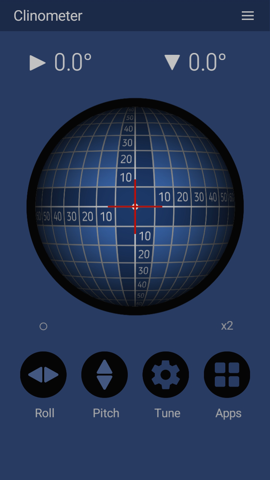
To ease the measurement process, there is a 'fixed' sphere
that continuously follows the Earth's gravity direction,
regardless of the left-right or up-down rotation of your mobile
device. So, the angles of inclination can be rapidly estimated
from the position of the red cross relative to the sphere's
grid; however, the accurate (0.1 degrees) roll and pitch values
and their direction are also available in the upper numeric
fields.
For increased precision of the measurement, it is important that
your mobile device to have a stable, perfectly smooth surface;
consequently, you need to temporarily remove its case or its
back cover, if any. Also, we do not recommend using the mobile
devices that have camera bumps, as they could add big errors to
the measurements.
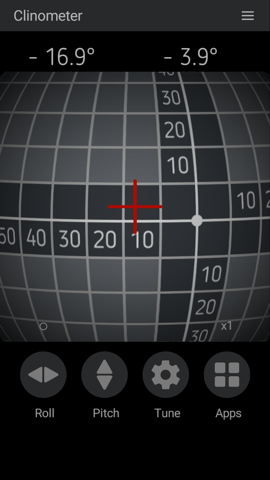
To restrict the measurement in a single direction, you can tap
the big button on the left, 'Roll' and, respectively, 'Pitch'.
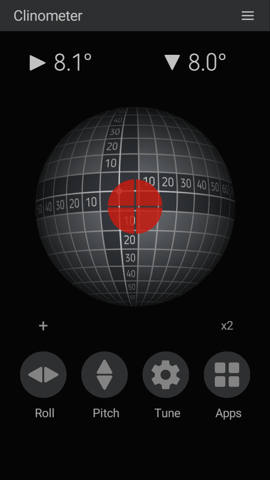
The small button above, 'o', can change the red cross into its
negative image and vice versa, making the line overlapping
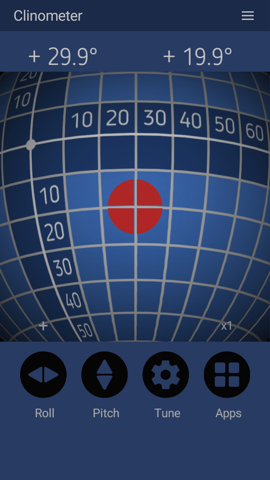
easier to observe. To the same goal, the 'x2' button makes the
image of the sphere twice as big.
Global features
- lock buttons for roll and pitch
- alerts with sounds and vibrations
- code optimization for low power consumption
- option to show the sign of the angles
- simple commands and ergonomic interface
- large, high-contrast numbers and indicators
- no ads, no limitations
- blue and black themes